
You can adjust your PHP version and installed extensions via cPanel.
Follow this guide to configure your PHP hosting environment:
- Log in to cPanel
- Scroll down to the Software section and click on Select PHP Version.

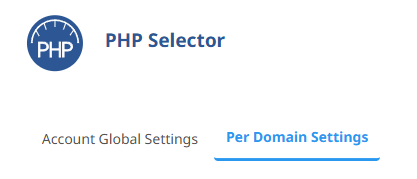
- Click on the Per Domain Settings
- If your website shows that it is HANDLED BY cPanel, click on the Use PHP Selector button:

Once updated, you should see:
This means your website is now using CloudLinux PHP - Now click on Account Global Settings
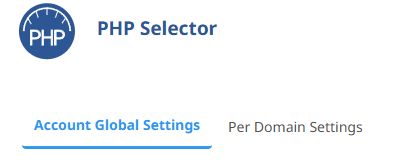
- Set the PHP version you want to use:

- Use the Extensions tab to install any PHP extensions you need.
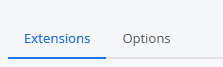
To install an extension, click it so it's ticked:
- Finally, click on the Options tab:
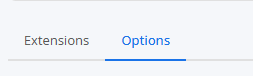
- You can now adjust your PHP INI options:

NOTE: If your website starts to show errors after switching to CloudLinux PHP, it may be due to some extensions not being enabled. Ensure you have the correct extensions selected.