
You can access your email account at anytime by using WebMail. All you need is a web browser and your email address and email password.
Go to Client Area in your dashboard and then click on Hosting Plans.
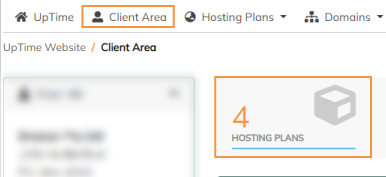
Click on the name of your website.
Then click on "Log in to Webmail".
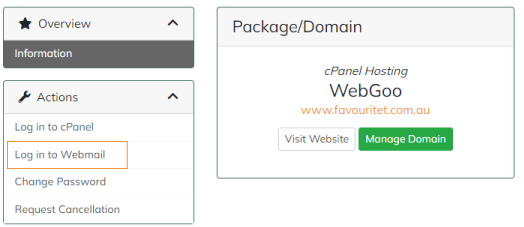
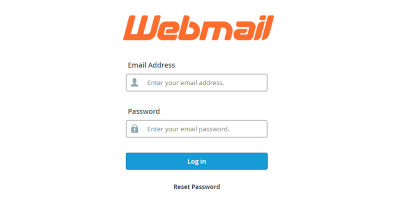
You will be taken to the sign in page.
Log in with your email address and password.
After you have signed in on the webmail sign-in portal, you will be directed to 'Open your inbox' page with plenty of settings.
We recommend you use Roundcube as your webmail client.
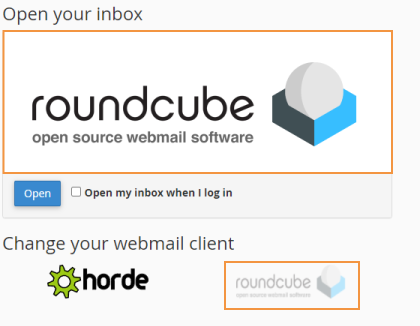
If you'd like to skip the configuration screen you can tick 'Open my inbox when I log in' and click 'Open'.